
Monitoring Configured So Alerts Reach the Right People
Security system monitoring setup in Burlington for households that need phone-based motion and door alerts rather than a siren that no one monitors
What changes after a monitoring setup is completed correctly is specific: the right person receives an alert on their phone within seconds of a sensor triggering, with enough information to act rather than a generic push notification that requires opening three apps to investigate. Integrity Home Technologies produces that result for homes and businesses in Burlington by handling the device configuration, alert routing, and contact setup directly—owner Stephen Ratcliffe does the device-side work himself rather than leaving alert rules for the homeowner to sort out from a manual. In Burlington and Union, where households frequently prefer phone-based alerts over audible sirens, that routing configuration is where the setup either works or fails.
The setup process begins with testing every sensor and camera against the monitoring service to confirm that signals are reaching the platform before any alert rules are written. Motion zones are then defined based on which areas of the property need to trigger an alert and which areas—such as a pet zone or a frequently trafficked interior hallway—should be excluded to reduce false notifications. Stephen configures the contacts who should receive each type of alert, so a door sensor on the back entry doesn't notify someone who has no reason to act on it.
To have your sensors and cameras tested and your alert contacts configured before the job closes, schedule a monitoring setup visit with Integrity Home Technologies.
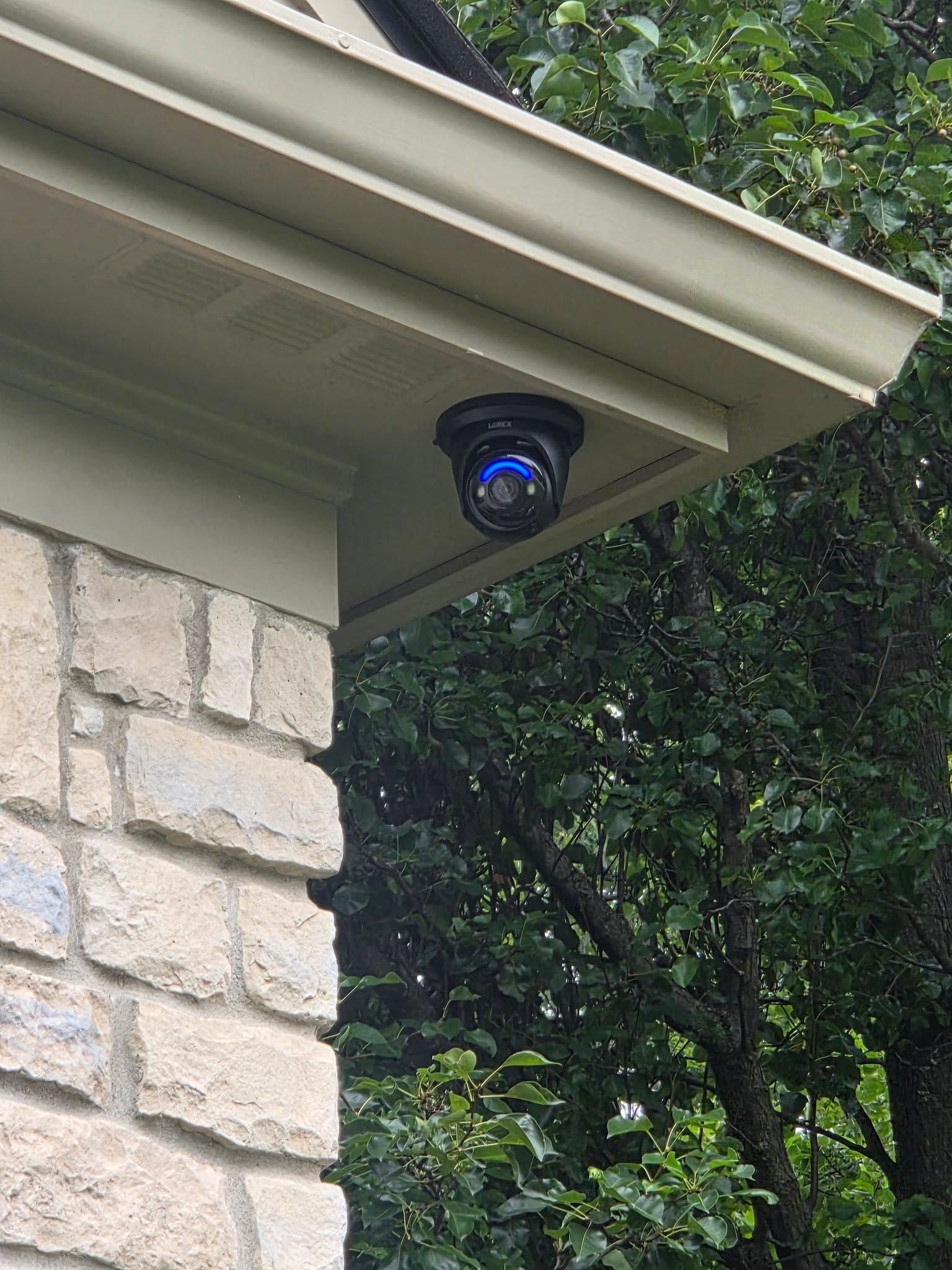
Why Alert Rules and Motion Zones Define Whether Monitoring Is Useful
Motion zone configuration is the step that separates a monitoring system that sends actionable alerts from one that trains you to ignore notifications. Each camera or motion sensor covers a defined area, and without zone boundaries set to the actual perimeter of concern, activity inside the home or in a low-priority area generates alerts that erode confidence in the system. During setup, Integrity Home Technologies walks through each device, sets the zone boundaries, and tests the trigger against real movement before confirming the rule is written correctly.
After the system is configured, the observable difference is that alerts arrive with the context needed to identify what triggered them—a specific door, a defined camera zone, a named sensor—rather than a generic alarm notification with no location information. The system is walked through with you before the job closes so you understand how alerts arrive, where to view them, and how to adjust notification contacts without calling for technical support.
Monitoring setup also involves confirming that the platform connection is stable under the home's existing network conditions, because a sensor that loses its signal intermittently won't reliably report to the monitoring service regardless of how the alert rules are configured. If the network reach is insufficient at a sensor location, that finding comes out during the device-testing phase—before the alert rules are written around a connection that can't support them.
Questions About How Monitoring Setup Works
The following questions address what happens during a monitoring setup, how decisions are made about alert rules and zones, and what the finished configuration delivers.
How are motion zones defined during a monitoring setup?
Zones are drawn around the specific areas that should trigger an alert—entry points, driveways, and defined perimeter areas—while excluding interior spaces or low-priority areas where movement should not generate a notification.
What is tested before alert rules are written?
Every sensor and camera is confirmed to be actively communicating with the monitoring platform before any rule is configured, so the alert logic is built on connections that are verified rather than assumed.
Why does contact routing matter in a multi-person household?
Different sensors serve different purposes, and routing every alert to every contact creates notification fatigue that causes people to stop responding—so Stephen assigns the right contact to each alert type based on who is positioned to act on that specific trigger.
How does the system walkthrough at job close differ from reading a manual?
The walkthrough confirms that you can identify an incoming alert, locate the device that triggered it, and change a notification contact through the platform interface—actions demonstrated live on your actual system rather than described abstractly in documentation.
What happens if a sensor's network connection is unstable during setup?
A sensor with an intermittent connection is identified during the device-testing phase and addressed—whether through repositioning, a signal extender, or a wired alternative—before alert rules are written, because a rule built on an unreliable connection will produce gaps in monitoring coverage.
Integrity Home Technologies also sets up security system monitoring in Cincinnati, Northern Kentucky, Union, Lebanon, and Newport. Call (513) 375-2342 to set up a device-testing and alert configuration visit for your home or business.